Make Teams your phone system
- Keep your numbers. We move them for you.
- Any device. Laptop, mobile or desk phone.
- One bill and one point of contact.

Your team already lives in Teams. Now your phone can too
Chat, meetings, files and now calls, all in one place. Most businesses already use Microsoft Teams every day. Adding calling means no separate phone system to juggle, no desk phone you’re tied to, and no switching between apps to talk to customers.
Your business numbers ring in Teams on whatever device you’re using, in the office, at home or on the road. And because Kee sets it up and looks after it, you get a real person to call whenever you need help.
One app
Calls, chat and meetings together, with no extra software to learn.
Work anywhere
Laptop, mobile app, web or desk phone. Your number goes with you.
Kee in your corner
Set up, looked after and honestly priced by people who know your business.
Everything you need from a business phone system
From first chat to first call
We stay with you from the first conversation through to handover, and afterwards.
Add what your business needs
A full suite of add ons, all on the same bill and looked after by the same Kee team.
Call recording and AI insights
Secure, compliant recording of every call, with transcription, AI summaries and sentiment.
Reporting and analytics
Real time and historic call data, wallboards and missed call reports that Teams doesn’t give you.
Headsets and handsets
Teams certified, plug and play devices from Yealink and HP Poly.
Teams meeting rooms
Turn your meeting spaces into smart Teams rooms with room kits.
Professional services
Set up, number porting, migration and hands on training for admins and users.
Not sure what you need?
Tell us how you work, and we’ll be honest about what’s worth having.
Book a callKnow what’s said, and how your calls are going
Call recording and AI insights
- Secure, compliant recording: MiFID II and GDPR
- Unlimited storage, ready as soon as the call ends
- Always on or on demand, with pause and resume
- Full transcription, AI summaries and sentiment
- Alerts when key words like “manager” come up
- Role based access controls and audit reporting
- Works on softphone, mobile app, web and desk phones
Reporting and analytics
- Real time and historic call reporting
- Live wallboards for queues, team activity and KPIs
- Missed and lost call reports, so every opportunity gets followed up
- Call volume and busy time reports to plan staffing
- Queue, user and auto attendant reports
- No extra hardware needed
Teams certified, plug and play devices
Optimised for Teams, comfortable to wear and built with noise cancellation, from Yealink and HP Poly. Desk phones and headsets for every way your team works.
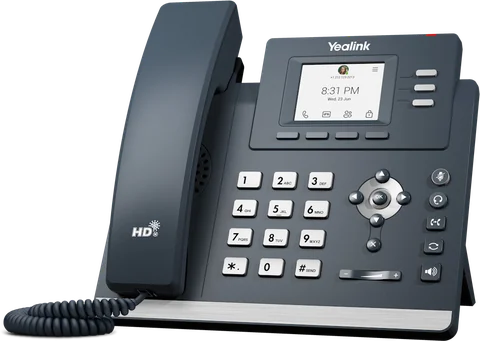
Yealink MP52 E2
- 2.4 inch colour touch screen
- USB A port
- Peer to peer calling
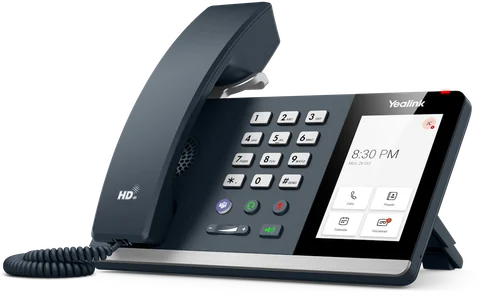
Yealink MP54 E2
- 4 inch colour touch screen
- Built in Bluetooth and WiFi
- Noise Proof technology
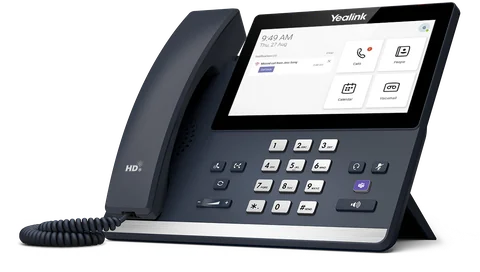
Yealink MP56 E2
- 7 inch colour touch screen
- Built in Bluetooth and WiFi
- Hold, transfer and redial buttons, plus expansion modules
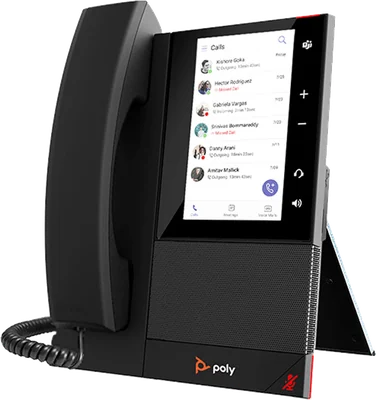
HP Poly CCX 400
- Colour touch screen
- Bluetooth and WiFi with optional dongles
- Best for everyday desks and shared spaces
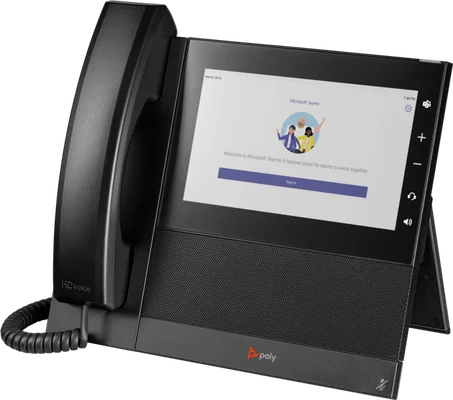
HP Poly CCX 500
- 5 inch colour touch screen
- Built in Bluetooth
- USB A and USB C ports
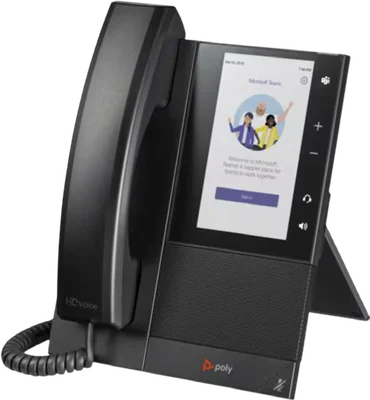
HP Poly CCX 600
- 7 inch colour touch screen
- Built in Bluetooth and WiFi
- Best for executives, managers and reception
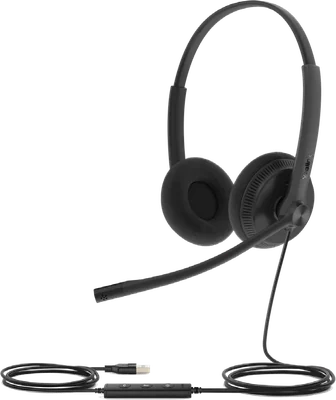
Yealink BH70 Dual Teams USB C
- 3 mic noise cancellation
- Bluetooth
- Up to 35 hours talk time
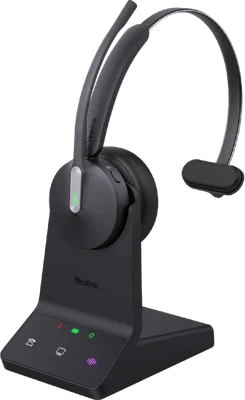
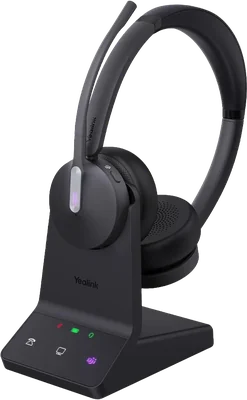
Yealink WH64 Mono Teams
- 3 mic noise cancellation
- DECT and Bluetooth hybrid wireless
- 14 to 26 hours wireless talk time
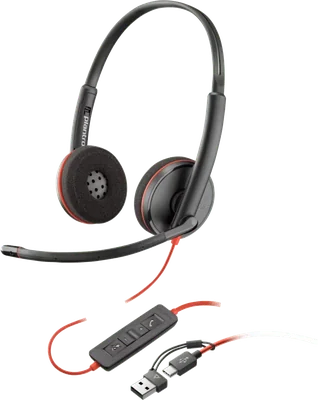
HP Poly Blackwire 3220
- Works with USB A and USB C
- Dynamic EQ for optimised sound
- Noise cancelling microphone
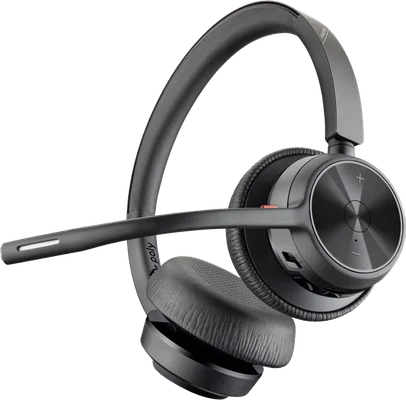
HP Poly Voyager 4320
- Bluetooth, or USB A and USB C
- Up to 24 hours wireless talk time
- Noise cancelling boom with dual microphone
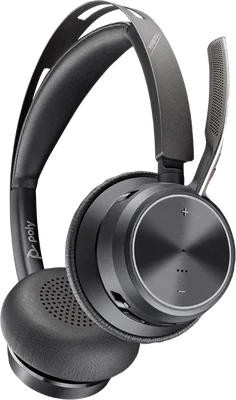
HP Poly Voyager Focus 2
- Bluetooth, or USB A and USB C
- Up to 25 hours wireless talk time
- Acoustic fence technology with four mics
Need a data sheet for another device? Just ask and we’ll send it over.
Rated 5.0 from 61 Google reviews
“We recently used Kai-la and her team at Kee for our telecoms, and the service was fantastic. Our landline was up and running within the hour!”
“Their account management and support is spot on, and their pricing is very competitive.”
“From the moment we reached out for a quote, Kee Business Services have been outstanding. Their team made the entire process seamless.”
“Nothing is ever too much of a problem, and I look forward to working with them for many more years.”
Your questions answered
We already use Teams. What changes?
Can we keep our phone numbers?
Do we need new phones?
Can we route calls to the right team?
Can calls be recorded?
Can we see how our calls are going?
What if something goes wrong?
Will you help us set it up?
Is it all on one bill?
How do we get started?
Download the brochures
Everything on this page, ready to read later or share with your team. Free, no form to fill in.
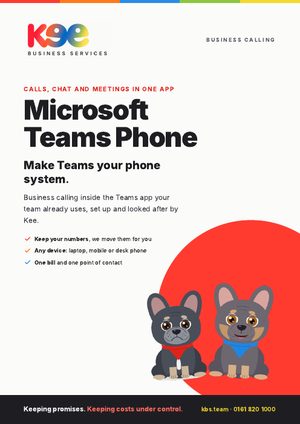
Make Teams your phone system
Why Teams Phone, everything you get, the add ons, our favourite devices and why Kee.
Download the brochure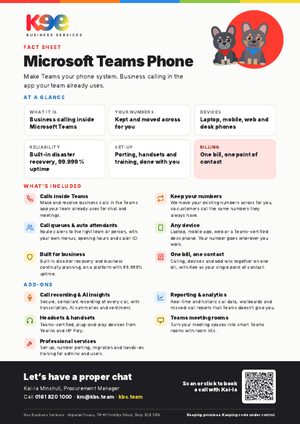
Everything at a glance, plus FAQs
What’s included and the add ons on one page, plus answers to the questions we get asked most.
Download the fact sheet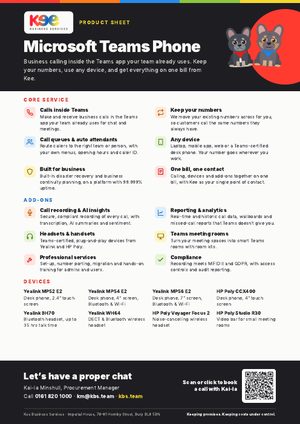
Core service, add ons and devices
The whole Teams Phone offer on a single page, ready to print or pass round the office.
Download the product sheetUseful tips, offers and news from Kee
Sasha and Suzie will be in touch now and again with things worth knowing about phones, costs and suppliers. No spam, and you can unsubscribe at any time.
One partner for your whole phone system