WEBEX CALLING

Calls, messaging and meetings, in one Webex app

Webex Calling gives your team a full cloud phone system with messaging and video meetings built in, on desk phones, laptops, mobiles and meeting rooms. Set up and looked after by Kee.
See all business phone systems

Sasha and Suzie, the Kee French bulldogs, with Webex Calling

Why Webex Calling

Built for businesses that need more than a phone line

Webex Calling suits security conscious organisations, hybrid teams and multi site businesses that want the same experience at every desk, in every room and at every location. Start a call, share your screen and turn it into a meeting without switching apps.

Needs first

We map how your team really works.

Right package

Each user on the package they need.

Honest advice

Even if your current system is fine.

Hybrid teamsMulti siteProfessional servicesHealthcareCustomer service teams

Every way your team works

One platform for every person and every space

Desk users

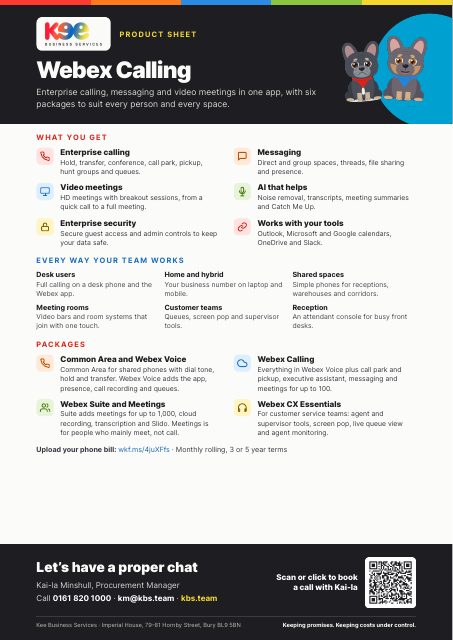
Full calling on a desk phone and the Webex app.

Home and hybrid

Your business number on laptop and mobile.

Shared spaces

Simple phones for receptions, warehouses and corridors.

Meeting rooms

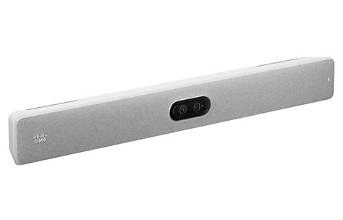
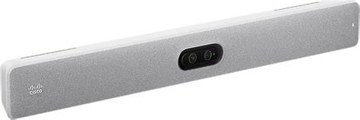
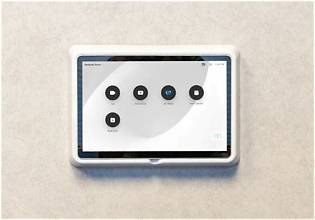
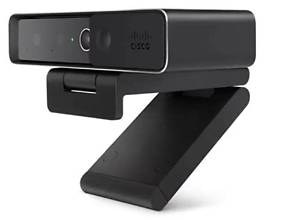
Video bars and room systems that join with one touch.
Customer teams
Queues, screen pop and supervisor tools.

Reception

An attendant console for busy front desks.

What you get

Everything in one platform

Enterprise calling

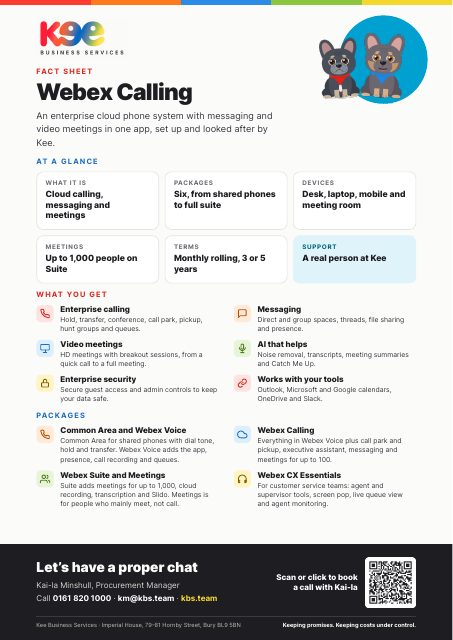
Hold, transfer, conference, call park, pickup, hunt groups and queues.

Messaging

Direct and group spaces, threads, file sharing and presence.

Video meetings

HD meetings with breakout sessions, from a quick call to a full meeting.

AI that helps

Noise removal, transcripts, meeting summaries and Catch Me Up.

Enterprise security

Secure guest access and admin controls to keep your data safe.

Works with your tools

Outlook, Microsoft and Google calendars, OneDrive and Slack.

Six packages

A package for every person

Mix packages across your business, so a warehouse phone and a director each get exactly what they need. You only pay for what each person uses.

Shared phones

Common Area

For shared phones with dial tone, hold and transfer.

Calling

Webex Voice

Adds the Webex app, presence, call recording and queues.

Calling and collaboration

Webex Calling

Everything in Webex Voice plus call park and pickup, executive assistant, messaging and meetings for up to 100.

Full collaboration

Webex Suite

Adds meetings for up to 1,000, cloud recording, transcription and Slido.

Meetings first

Webex Meetings

For people who mainly meet, not call.

Customer service

Webex CX Essentials

Agent and supervisor tools, screen pop, live queue view and agent monitoring.

Phones and rooms that just work

A phone for every desk, and kit for every room

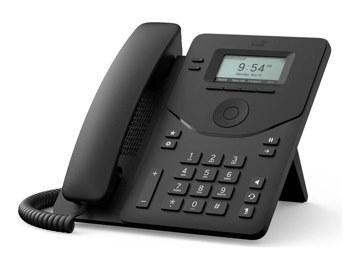
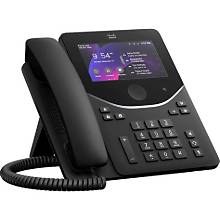
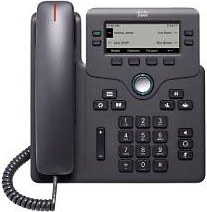
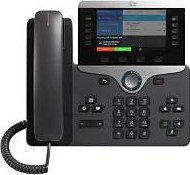
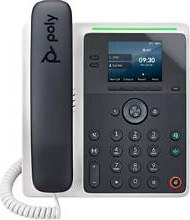
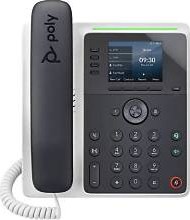
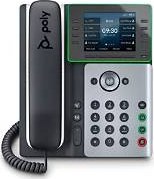
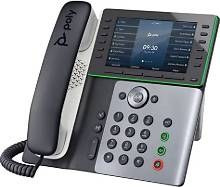
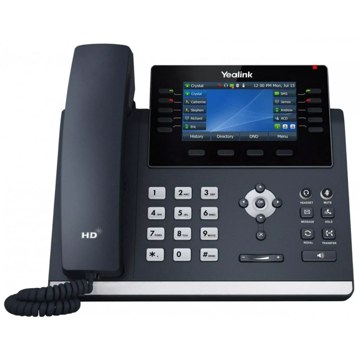
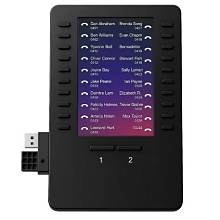
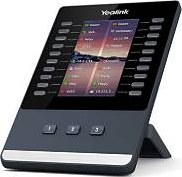
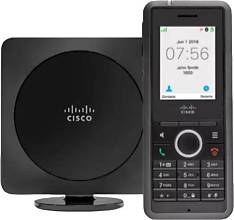
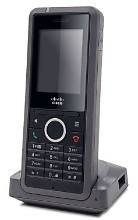
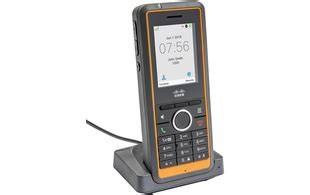
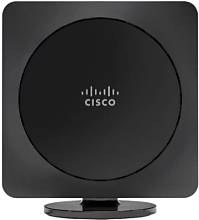
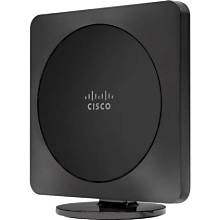
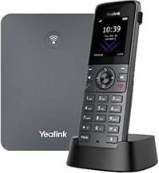
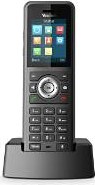
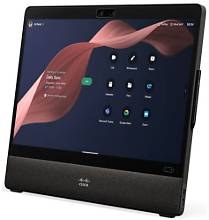
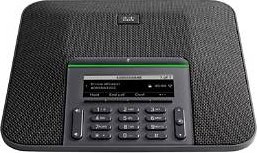
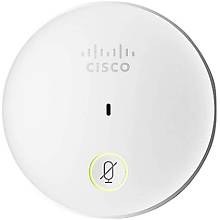
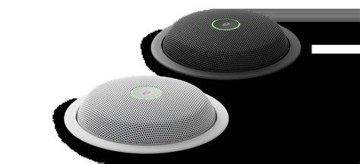
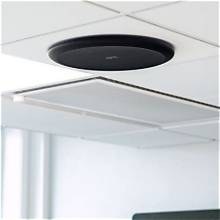
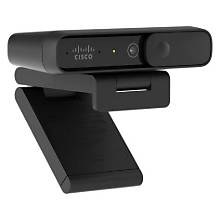
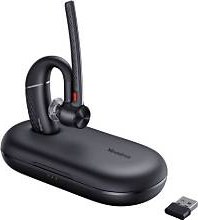
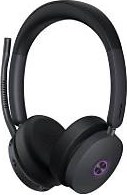
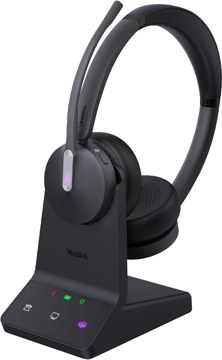
Choose from Cisco 9800 series and MPP desk phones, Poly and Yealink handsets, DECT cordless phones, conference phones, headsets and Cisco video bars for meeting rooms. Longer terms can help fund your handsets. Open any data sheet for the full details.

Desk phones

Cordless DECT phones

Meeting rooms and video

Headsets

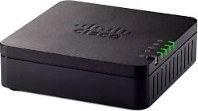
Analogue adapters

Why use Kee

Enterprise tools with a personal service

One point of contact

A real person at Kee from survey to go live.

Keep your numbers

We move your existing numbers across for you.

Flexible terms

Monthly rolling, or fix for 3 or 5 years.

Grows with you

Add users, sites and rooms whenever you need.

How it works

Tell us how you work

Upload a bill or book a call.

We design it

The right package for each user and space.

We set it up

Numbers moved, phones and app configured.

We look after it

Training, changes and support from Kee.

Getting started

Three easy ways to get started

Upload your phone bill

Use our secure form to send a recent phone bill.

Upload securely

Email us

Send your bill or questions to km@kbs.team

Email us

Book a call

Pick a time that suits you, or scan the QR code.

QR code to book a call with Kai-laBook a call with Kai-la

Webex Calling FAQs

Your questions answered

What is Webex Calling?

A cloud phone system with messaging and video meetings in one app, on desk phones, computers, mobiles and meeting rooms.

How is it different from our hosted system?

Webex Calling is the full Webex platform, with enterprise calling, meetings and customer service tools in one place.

Can we keep our numbers?

Yes. We move your existing numbers across for you.

Do we need new handsets?

Not always. We check what you have, and longer terms can help fund new ones.

Can different staff have different packages?

Yes. Mix packages so each person only has what they need.

Does it work with Outlook and our calendars?

Yes. It works with Outlook, Microsoft and Google calendars, OneDrive and Slack.

How long is the contract?

Monthly rolling, or fix for 3 or 5 years.

How do we get started?

Upload a recent phone bill, email us or book a call.

Downloads

Take the details with you

Everything about Webex Calling with Kee in one place. Download a copy to read later or share with your team.

Let’s find the right phone system for you

Book a call with Kai-la. Tell us how your team works and we’ll put every person on the right Webex package. Leave it with us. We’ll sort it!
Keeping promises. Keeping costs under control.